
GOOGLE RANKER PRO / INSIGHTS
Local SEO for Tradespeople in Oldham: A Practical Guide
Learn local SEO for tradespeople in Oldham: profile settings, service-area pages, compliant reviews and measuring enquiries that turn into booked jobs.

A wet Tuesday in November, the van parked up between jobs in Royton, and the phone hasn't rung since Friday afternoon. You know there are slipped slates and leaking gutters within three miles of where you're sitting. The customers are out there searching. They're just not finding you.
That gap is what local SEO for tradespeople in Oldham comes down to, and it's rarely a website design problem at heart. Most trades businesses around the town have a reasonable site, a Google listing somebody set up years ago, and no clear idea which of the two is producing work.
Three things decide whether a customer who is ready to book finds you rather than the firm two streets away. The Google Business Profile, the listing that shows in Maps and the local results block. The service and area pages on your website. And the measurement that tells you which of them produced a ringing phone. This guide works through all three in that order, with the settings, the wording and the checks that make the difference.
Why Oldham Tradespeople Compete on Local Search
The reason a competent plumber in Oldham can lose a job to a less competent one is usually visibility, not workmanship. The market is crowded at every level. The ONS local statistics for Oldham track active-business counts and business trends across 2019 to 2024, and at national level the ONS recorded approximately 2.9 million active businesses in the UK in 2024, a reduction of around 11,000 from 2023. Only a fraction of those compete for your work, but the search results still put several of them in front of the same customer at once.
Construction is one of the largest broad sectors in that count. The ONS business activity, size and location bulletin reports approximately 380,000 construction businesses in the UK in 2024, about 14.0% of VAT- and/or PAYE-registered businesses. Search "builder Oldham" and you're asking a general term to sort all of that, which it can't do well.
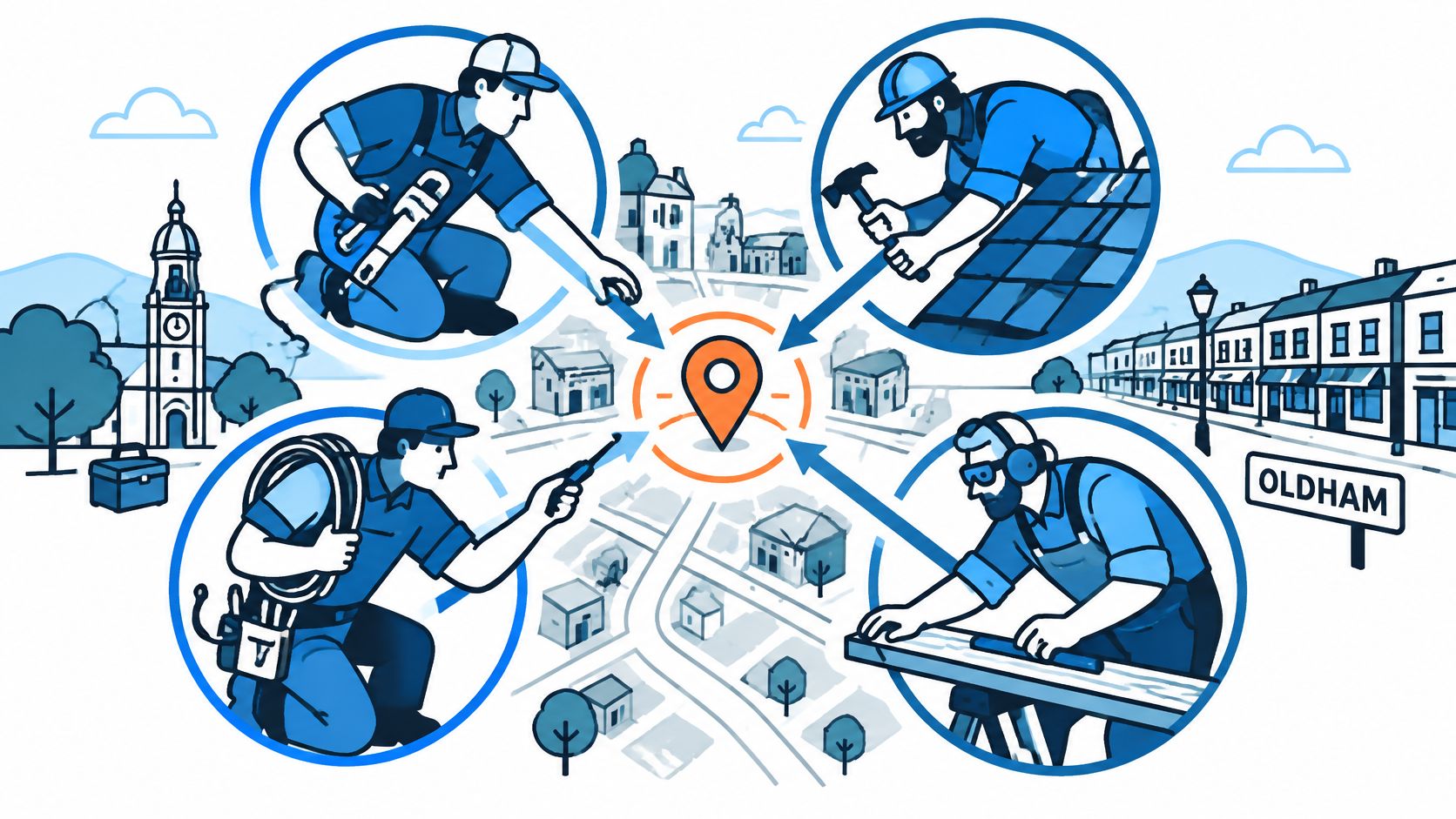
Locally, the trade pool runs deeper than the national average. The Nomis labour market profile for Oldham puts approximately 12,000 residents in skilled-trade occupations, representing 11.8% of local employment, compared with 8.3% across the North West and 8.2% across Great Britain. Plenty of people in and around the town can do the work, so the customer's problem is choosing, not finding.
Think of your listing and website as a shopfront on a busy high street. People don't walk in to find out what you sell. They read the window, decide in about four seconds whether you look like the right kind of business for their job, and either push the door or keep walking. A window that says "all building work, no job too small" tells them nothing.
- The Google Business Profile is the window. Category, service area, hours, photos and reviews do the persuading before anyone clicks.
- Service and area pages are the shop layout inside. Each page answers one job, in one place, with specifics.
- Measurement is the till. Without it you can't tell which page or which listing produced the booking.
No tactic here guarantees a ranking. Google's local results weigh relevance, distance and prominence, and nobody controls distance. The aim is to be the most specific and credible match for a customer who is ready to pay today.
Run the check now. Search your main service plus Oldham on your phone. Note the first three providers, what their listings show, how recent their reviews are, and which field your own profile is missing.
Google Business Profile Settings to Check First
For most trades, the profile is the first thing a customer sees, before the website gets a single visit. Work through these fields in order rather than dipping in at random.
| Profile field | What to enter | Common mistake |
|---|---|---|
| Primary category | One category closest to your core paid work, such as Plumber, Electrician or Roofing contractor | Choosing a broad category such as Builder when your main work is roof repair |
| Business name | The trading name customers already use | Adding keywords such as Oldham or cheap, which Google's guidelines do not allow |
| Service area | Only the towns you genuinely cover, such as Oldham, Royton, Shaw, Chadderton and Saddleworth | Listing every Greater Manchester town without travel coverage to support it |
| Address | Hide the address if you visit customers and have no public premises | Publishing a home address or virtual office as if it were a trading premises |
| Phone number | One consistent number used across your profile, website and directories | Different numbers on different directories, which confuses customers and data matching |
| Opening hours | Standard trading hours plus any emergency cover you actually provide | Leaving hours blank, so calls go unanswered without anyone noticing |
| Services and description | Named services such as boiler servicing, emergency plumbing or roof repairs | Vague wording such as all trades or any job |
| Photos | Recent completed jobs, used with the right to publish them | Stock images or photos of another company's work |
Completeness earns its keep because it removes uncertainty before the click. A UK summary of BrightLocal's 2025 local-consumer research reports that 83% of consumers use Google to read local-business reviews. A profile with blank hours, no listed services and three old photos gives that majority nothing to work with, so treat a finished profile as the baseline for being considered rather than a promise of enquiries.
Three rules that decide whether the profile works
- One category, chosen for paid work. Pick the trade that pays the bills rather than the widest label available. A roofer who mostly replaces flat roofs is a roofing contractor rather than a builder, because that's the search that converts.
- The name exactly as it appears on the van. Adding "Oldham" or "best" or "24 hour" to the business name breaks Google's naming rules and makes the listing look untrustworthy to the customers who notice. The name field is the name field.
- Photos you have the right to publish. A finished bathroom or a new consumer unit earns its place. A stock image of a smiling man with a drill does nothing, and someone else's job photo can land you in a dispute.
Practical rule: if a photo needs a caption explaining what it shows, it isn't doing the job. A tidy roof line, a labelled fuse board, a sealed boiler cupboard.
A common error is publishing a home address as a trading premises, and it usually comes from confusing a public address with a service area. If you have premises a customer can walk into, publish the address and keep it consistent everywhere. If you work out of a van and a home office, hide the address and set the towns you travel to.
That second option is how one accurate profile covers the surrounding villages. You don't need an address in Royton or a page for every Saddleworth hamlet. You need the service-area field listing the places you reach, no wider and no narrower. Publishing a town-centre address you don't trade from damages credibility across every citation you build.
Getting that right also shapes where enquiries can come from, and guidance on local SEO lead generation for plumbers covers the practical side of turning profile views into booked jobs.
A monthly routine that takes twenty minutes
- Check the hours before every bank holiday and after any seasonal change, including emergency cover you're offering.
- Add two or three photos after a major job, ideally of different work types.
- Reply to every review within a set window, positive or negative, in plain language with no keyword stuffing.
- Verify the quote or appointment link still works, because a dead booking link is invisible in the profile.
- Read the full field set once a quarter against the Google Business Profile optimisation guidance for service businesses and fix whatever has drifted.
Service Pages and Service Areas That Stay Accurate
Construction accounts for about 6.0% of employee jobs in Oldham, compared with 4.9% across the North West and 4.8% across Great Britain, according to reporting on how UK customers find local businesses. A large share of local employment works in the same trade you do, which means the pages that win enquiries are the ones that sound like they were written by someone who has done the job.
Demand also arrives through service terms far more than town names. Plumbers alone generated 110,650 UK "near me" searches in 2024, representing 18% of the tradesperson queries analysed, as Fix Radio reports. Somebody searching "emergency plumber near me" wants to know what you repair, where you travel, which properties you handle and how to contact you.
A copied town page rarely answers those questions. It names Saddleworth, Shaw or Rochdale in the title, then gives the same broad paragraphs as every other page. Searchers notice the missing detail, even when they cannot name what feels wrong.
A worked example: one Oldham roofer
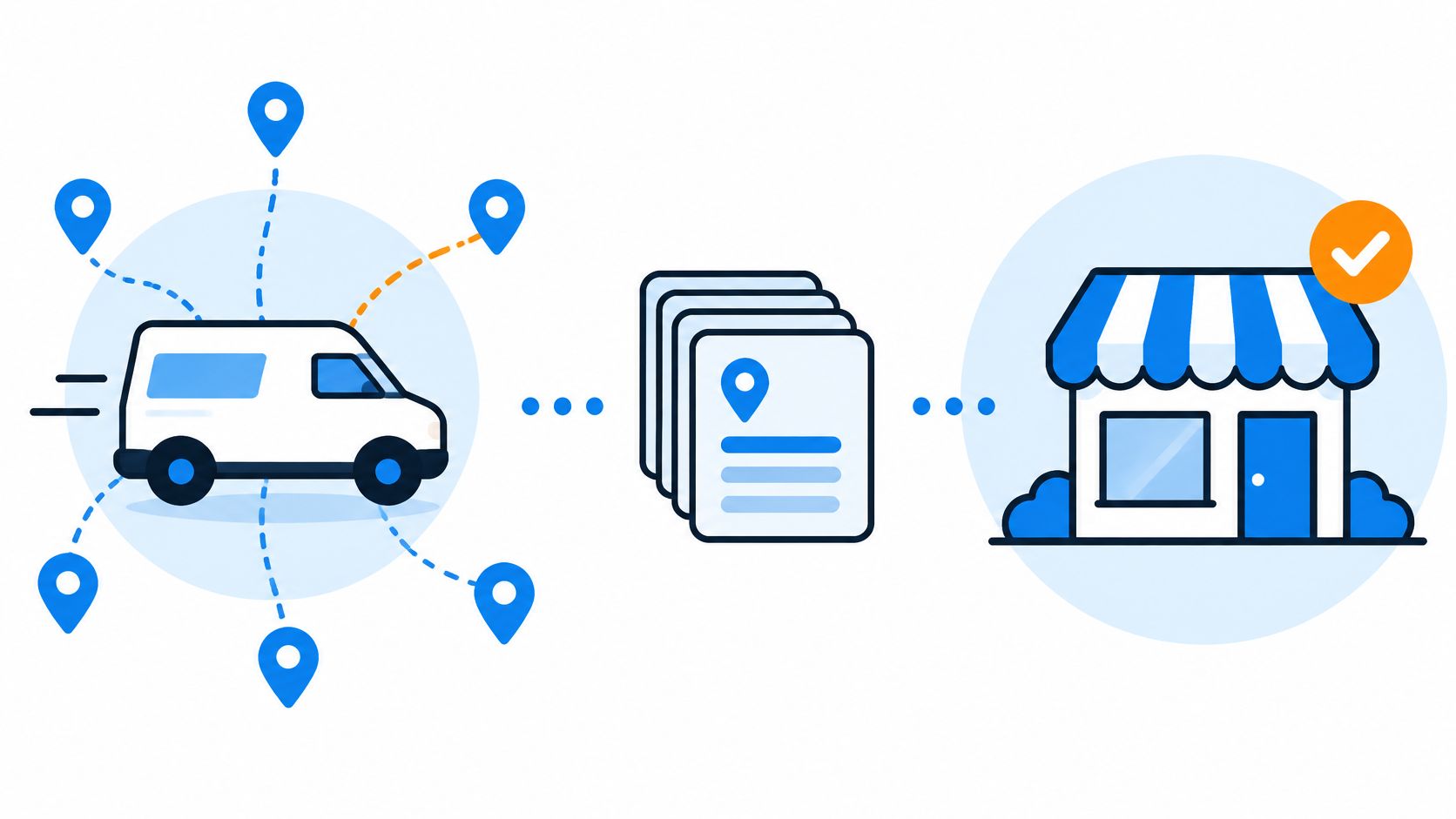
Say a roofer runs the business from home in Oldham and travels to Royton, Shaw, Chadderton and Saddleworth. The temptation is twenty pages, one per town, all saying the same thing. A workable set looks more like this.
- One main roof repair page. Emergency leaks, flat roof work, gutter repairs, the property types involved and how a callout is priced.
- One service-area page for the wider Oldham area. Travel coverage, typical response windows, the jobs that come up most and the boundaries where the roofer stops or adds a travel charge.
- One short page per place, only where real evidence exists. A page for Saddleworth with stone roof repairs and the constraints of a conservation area earns its place. A page for Failsworth with nothing behind it doesn't.
I'd choose that structure over a larger set of near-duplicates. Every URL has a job to do, every claim can be checked, and calls or quote requests can be tied back to the service or area page that generated them. A smaller set of useful pages tends to convert better than dozens of thin ones because the reader finds evidence rather than padding.
Coverage wording needs to be precise. "Serving Oldham" can mean several different things, so say where you handle urgent work, where you take planned jobs and where extra travel time changes the quote. That gives a customer in Chadderton a clear answer and saves a customer in Rochdale from booking before learning that you only cover part of the area.
The checklist every page has to pass
Each page needs the services offered, the coverage limits, the property types you work on, and two or three named problems with how you handle them. Add clear contact details and one call to action, not four competing ones.
Ask of every page:
- Is there a real job behind it? If there's no project, photo or specific local condition, the page is filler.
- Does it tell the truth about coverage? A customer who books you and then waits days longer than expected won't leave the review you want.
- Would a competitor learn something? Detail on how you tackle a dry ridge or a hidden gutter channel is evidence of expertise.
- Can a reader call in one tap? An emergency page without a visible number is decoration.
- Does it create a measurable enquiry? A page that cannot lead to a call, form submission or quote request gives you nothing useful to judge.
The trap is pages that only swap the town in the title and the rest of the text. List every service page you have, then merge or delete anything that can't pass the checklist. Fewer, better pages give the SEO service work behind local landing pages a stronger foundation than a set of near-duplicates nobody links to or reads.
A service area can be marketed. It does not make the business physically closer to the searcher, and no amount of town-name pages changes that.
Review Requests and Website Testimonials Within UK Law
Review collection is no longer just a ranking tactic. Under the Digital Markets, Competition and Consumers Act 2024, fake consumer reviews and reviews that conceal undisclosed incentives are banned practices, with the statutory definition of banned review practices set out in Schedule 20. The law defines a fake review as one that appears to reflect a genuine customer experience when it does not. Every business that travels to customers in Oldham now has a duty to take reasonable and proportionate steps to prevent fake, misleading or covertly incentivised reviews, and to remove them when identified, as the Competition and Markets Authority guidance on fake reviews explains.
That reframes the whole routine. Reviews are evidence you generate deliberately, not luck you wait for.
The request process, step by step
- Ask only after the job is finished. Not at quote stage, not mid-project, not while the plaster is still drying. Timing is everything here, and it's worth reading about review request timing after service calls before you set a routine, because a request sent too early reads as pressure.
- Use Google's own review link. The one generated from your profile, sent by text the next working day. Keep the message to two lines.
- Invite every customer, without screening. Gating invitations on how happy you think someone is counts as manipulating the review record. Send the link to all of them and let the honest result stand.
- Disclose any incentive on the request itself. A discount, a prize draw or a charity donation must be stated plainly at the point of asking, not buried.
- Never manufacture the review. No staff, no relatives, no bought reviews, no trading favours with another trade.
- Reply to the bad ones as carefully as the good ones. A measured reply to a fair complaint demonstrates more than a wall of five-star comments.
Compliance test: could a customer who read every review on the page form an accurate impression of the business? If the answer needs a caveat, the page is misleading.
Take a hypothetical joiner fitting kitchens in Shaw. The morning after the fit, the customer gets a text with the Google link and a line asking how the job finished up. No script, no suggested wording. The customer mentions the worktop join and the tidiness in their own words. That's the entire process, and it's the one the law is comfortable with.
The same rules apply to your own website
Government guidance is explicit that the rules cover every trader publishing consumer reviews or information derived from them, not just large marketplaces. That means the testimonial carousel on your homepage, the star rating in your footer and the "highly rated" line in a service page headline are all in scope alongside your Google listing.
Treat all customer proof the same way.
- Link each testimonial to a real completed job and keep evidence of the customer relationship.
- Label any incentivised feedback at the point it's shown.
- Never edit a review so the meaning changes. Trimming a sentence to reverse the point is worse than not quoting it.
- Don't display only five-star comments while hiding genuine criticism. Presenting one side as if it's the whole picture is potentially unlawful.
- State an average rating only with its platform, date and number of reviews.
A quick before and after shows the difference. "Rated highly by local homeowners" tells the reader nothing checkable. "Rated 4.8 out of 5 from 63 Google reviews, as of November 2025" gives them something they can verify and a reason to trust the rest of the page.
Write it down on one page
A one-page review policy covers when requests are sent, how incentives are disclosed and how suspicious reviews are handled. When an implausible review appears, report it through the platform and keep your own record of the job and the dates. A documented process for handling customer information is also worth having alongside it, in the shape of a clear privacy policy that says what you do with reviews and customer details.
Measuring Calls and Booked Jobs, Not Just Rankings
A trader can hold first place for "plumber Oldham" and still have a quiet diary. UK evidence shows Google Search was used by 82% of online adults in May 2025, while Google Maps reached 78%, up from 73% in 2024, according to UK local-search statistics. Visibility on that scale proves nothing by itself. What matters is whether it produces quoted work, and that is a tracking problem.
| Signal | Where to find it | What it tells you |
|---|---|---|
| Profile calls | Business Profile performance data | How many people phoned from your Google listing in the period |
| Mobile click-to-call | Website analytics with call tracking | Calls started from the website, by landing page |
| Quote form completions | Form platform or CRM | Enquiries by service page and by postcode area |
| Booked surveys or visits | Diary or CRM | Which enquiries became a paid visit |
| Average job value | Invoicing records | Which services justify the effort of ranking for them |
| Enquiries by service area | Postcode field on the form | Whether Royton, Shaw or Saddleworth pages bring real demand |
| Review activity | Google reviews, reviewed by date | Whether reviews keep arriving after completed jobs |
The monthly routine that makes the table useful
Start with trackable actions rather than numbers. Turn on click-to-call tracking for mobile, because a customer who has just found your listing on a phone will usually tap the number rather than hunt for a contact page. Check mobile page speed on the specific pages customers land on rather than the homepage, since a slow quote page loses people who were already sold.
Split urgent from planned work. Emergency plumbing in Chadderton and a planned bathroom refit in Saddleworth are different buyers with different landing pages, and mixing them muddles both the message and the measurement.
Keep forms short. Postcode, job type, timescale. Every extra field costs completions, and "how did you hear about us" is not a qualifying question.
Then log the things that don't appear in any dashboard: missed calls, how quickly someone called back, and how many enquiries turned into a paid visit. Compare conversion rates by service and by area, not average star rating. A page that ranks third but converts well is worth more than one that ranks first and produces tyre-kickers, and the postcode field will show you whether the Saddleworth page earns its keep or just adds noise.
What AI-assisted discovery changes, and what it doesn't
AI tools can now answer "who fixes boilers near me" directly, so your business facts need to survive being quoted. The practical response is boring: make those facts easy to verify. Services, towns covered, opening hours, accreditations and response expectations should be stated plainly in text a machine can read and a person can check. Generic AI-written location copy does the opposite, because there's nothing in it to quote. If you cover Oldham, Royton and Shaw, say so on the page with real detail from real jobs, not a list of place names bolted onto the same paragraph.
No one can guarantee an AI citation, and any agency promising one is guessing. Clear, consistent facts are the only durable ground.
A monthly template to copy:
- Enquiries by service and by area
- Booked surveys against those enquiries
- Average job value by service type
- Cost per booked job once you add media and agency spend
- The one change to test next month, and the measure that will tell you if it worked
If paid search is on the table too, the comparison between SEO and Google Ads for local businesses sets out where each earns its place rather than treating them as rivals.
Request a Free Local SEO Audit for Your Oldham Business
Everything in this guide is manageable in-house given a spare couple of hours a month. Time is the constraint. The jobs that pay the invoice always beat the jobs that generate it, so the profile description waits behind the leaking roof. Run the checklists yourself while the hours exist, and bring in outside help when the profile, the service pages and the tracking all need attention at once, because they interact and tidying one leaves gaps in the other two.
The weekly actions are the same three set out earlier: work through the profile fields, prune service pages that carry no evidence, and keep the monthly log of enquiries by service and by town.
I'd want answers to two questions before paying anyone. How will your coverage of Saddleworth, Chadderton or Ashton-under-Lyne be handled? You want accurate service area settings and strong pages for the towns you work in, instead of near-identical pages spun out for every postcode or a mailing address you never trade from. And what does the monthly report measure? It should show enquiries and booked jobs by area, because a ranking screenshot tells you nothing about the diary.
Google Ranker Pro is an independent UK search marketing agency, separate from Google, offering a free SEO audit or a requirements discussion through its contact page. It covers Oldham, Chadderton, Royton, Shaw, Saddleworth, Ashton-under-Lyne and Rochdale as service areas.
Bring four things to that conversation:
- Your Google Business Profile link
- Your full service list, including the jobs you tend to turn away
- The towns you cover, split between where you win work and where you would travel
- Three months of enquiry data, even if it is a tally in a notebook
Google Ranker Pro is a UK-based digital marketing agency specialising in SEO, AI SEO, Google Ads and Local SEO. Its Local SEO plan costs £747 per month on the 2026 monthly guide rate and includes Google Business Profile optimisation, up to 10 target keywords, on-page optimisation across five pages, local citations and directory work, two SEO blog posts a month and a monthly ranking report. Those deliverables map onto the three recurring jobs in this guide: the profile, the service pages and the reporting. Apply the same test to any proposal, this agency included: it should explain how your coverage stays accurate and how you will see booked jobs rather than positions. Visit Google Ranker Pro to start with a free audit or a short conversation about what your Oldham coverage should look like.