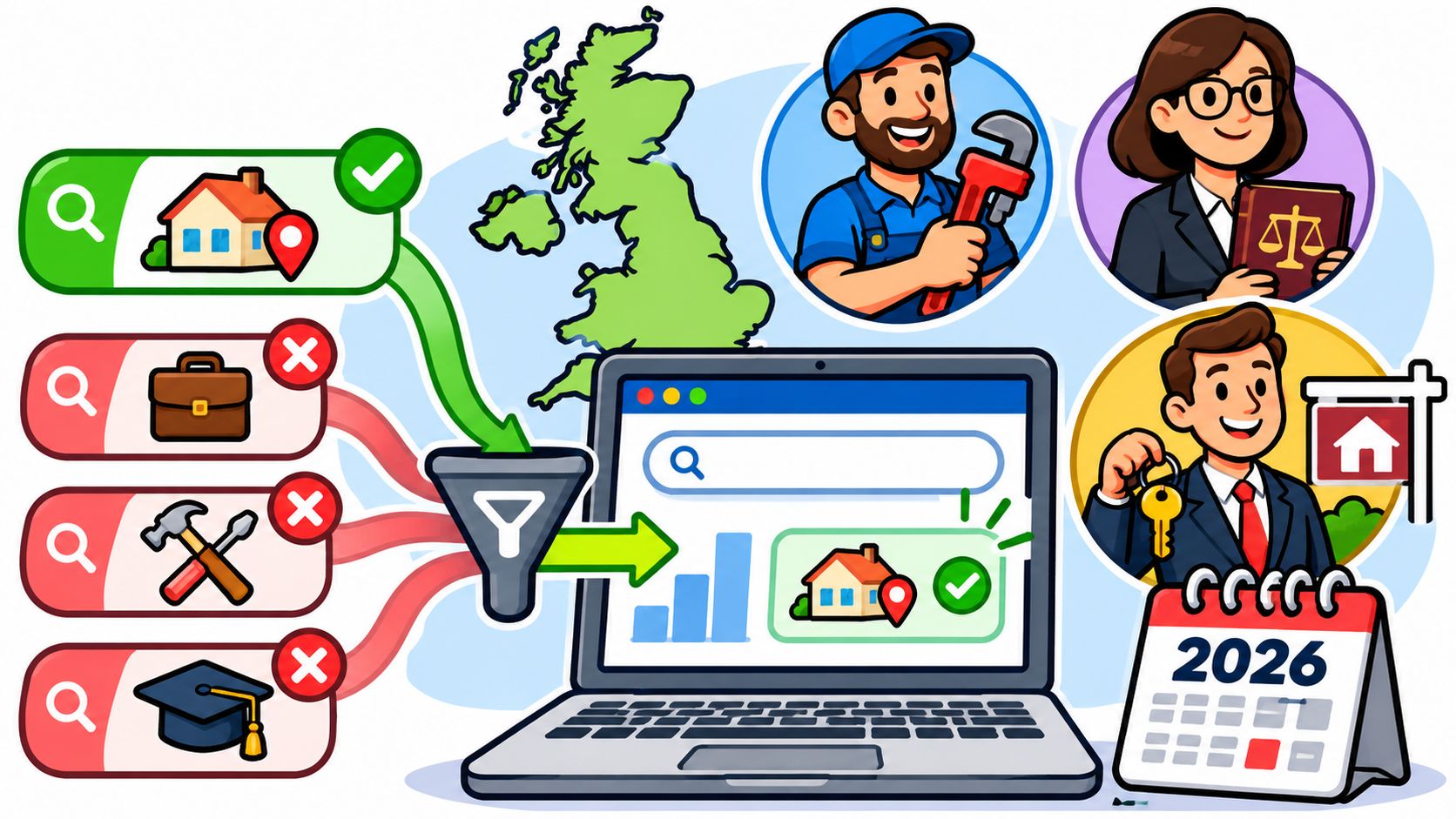

The most repeated advice about Google Ads conversion tracking is to install the Google tag, point a conversion action at your contact form, and let automated bidding get on with it. That approach can train a Leeds trades account to chase cheap form fills from people comparing prices, rather than booked surveys or paid work.
A form submission is an event on a website. A booked survey is a business outcome. The useful work sits in the gap between those two, and closing it is a sales-data job before it is a tracking job. The table later in this article sets out which outcomes to count, which actions to feed bidding and how to value each one.
Google Ads conversion tracking for Leeds businesses works when it answers a question the person paying the invoice asks: which advert produced the work?
Why Clicks Do Not Show Whether Ads Work
A roofer covering Headingley, Horsforth and Pudsey can open a report showing 200 clicks from last week and still have no idea whether a single roof was booked. Clicks prove an advert was seen and pressed. They don't prove that a household with a leaking valley called, agreed a survey and paid a deposit.
Conversion tracking is the record that a specific ad interaction was followed by an action that matters: a completed contact form, an answered telephone call, a quote request, an online purchase or a booked appointment. One is activity data. The other is commercial evidence.
The customer side explains why this deserves attention. UK non-financial businesses generated £459.2 billion in website sales in 2021, an increase of £102.8 billion, or 28.8%, on 2019, according to the Office for National Statistics digital economy survey. The same dataset records £77.8 billion in website sales to customers outside the UK, so a Leeds firm's site and adverts can serve Morley, Manchester and markets abroad at the same time.
Now the distinction that matters. Say a Leeds tradesperson serving LS postcodes receives 30 enquiries from a month of Google Ads. Eight are genuine jobs. Fifteen are price shoppers collecting three quotes before choosing the cheapest. Seven are spam, recruiters or a competitor's researcher. A click report counts thirty. A sales report counts eight.
The chain worth recording runs advert click → landing-page enquiry → CRM record → qualified opportunity → sale or booked job. Credit has to be shared across that chain deliberately rather than by default, and a comparison of choosing the right attribution model is a sensible way to decide whether the first click, the last click or a position-based split reflects how your customers decide.
Conversion Actions to Track and How to Value Them
| Conversion action | Typical Leeds example | Role for bidding | Value approach |
|---|---|---|---|
| Form submission | Contact form on a roofing or clinic site | Secondary unless qualified | Low fixed value or none |
| Quote request | Estimate request for a trades job | Secondary | Low fixed value agreed with sales |
| Phone call from ad | Call from a click-to-call button or call extension | Primary if answered and of useful length | Value per qualified call, set from the first month of call data |
| Booked appointment | Survey or consultation booked | Primary | Average value of a booked job, marked as an estimate |
| Qualified lead | Lead imported from CRM after review | Primary | Value agreed with the sales team |
| Completed sale or job | Invoice or sale recorded in CRM or till | Primary | Actual revenue or margin |
| Page view or scroll | Visit to a service page | Do not use for bidding | No value |
A conversion is only as useful as the decision it informs. If nobody in the business would change what they spend because of a number, that number doesn't belong in the primary conversion set.
Primary actions carry revenue or a qualified next step: an answered call long enough to be a conversation, a booked survey, a lead your team has reviewed and accepted, a sale. Secondary actions still belong in reporting, because they show you where volume comes from, but they shouldn't drive bidding. A broken contact form on a Headingley clinic's site can generate a hundred submissions in a week and none of them are patients.
Mark every estimated value as an estimate. A fabrication in the value column becomes a budget decision within a month.
Agreeing values is easier than it sounds. Ask sales two questions: what is the average value of the work that follows a booked survey, and what proportion of quote requests turn into paid jobs? Multiply one by the other and you have a defensible per-lead figure. If you're still waiting on real revenue data, use a margin estimate and label it.
Realism matters here. UK search campaigns typically convert at 3% to 5%, according to Global PPC's analysis of UK Google Ads performance, and the same source reports that over 80% of businesses see PPC as important for lead generation. At that rate, 200 clicks produce roughly six to ten recorded conversions, which is few enough that one miscounted spam enquiry visibly distorts the picture.
Write the table out for your own account with your own names, values and owners before you change a single setting.
How to Set Up Conversion Tracking in Google Ads
Work through these in order. Each step exists because skipping it causes a specific, expensive problem later.
- Write one sentence defining each primary conversion. "A booked survey is a date agreed in the diary by a member of staff." Everyone from the ads manager to the person answering the phone signs off on the same definition, because a conversion action nobody can define is a conversion action nobody can dispute.
- Create one conversion action per outcome. In Google Ads, open Goals, then Conversions, and add an action for each, choosing website, phone call or import as the source. One action per outcome keeps the reporting readable and stops a single number masking three different behaviours.
- Install the Google tag on every page, either directly or through Google Tag Manager. It has to load before the conversion page renders, and deploying through Tag Manager makes later changes faster and less risky than editing theme files.
- Attach the event to a specific trigger. A thank-you page, a confirmed form submission, or a defined button click. Firing on every page load inflates the count and trains bidding on the wrong signal.
- Set the count correctly. Use one for lead actions, so a single person submitting twice counts once, and every for purchases, so a genuine second order still registers. Choose a conversion window that reflects how long your customers deliberate; a week suits emergency roof repairs, thirty to ninety days suits a bathroom refit or a legal matter.
- Assign values and the primary or secondary flag. Only primary actions feed automated bidding, so this is the switch that decides what the system chases.
- Submit a real test enquiry on the live site with a real email address and confirm it lands against the right action in the conversion action report. A test that only checks the tag fires, without checking which action recorded it, proves very little.
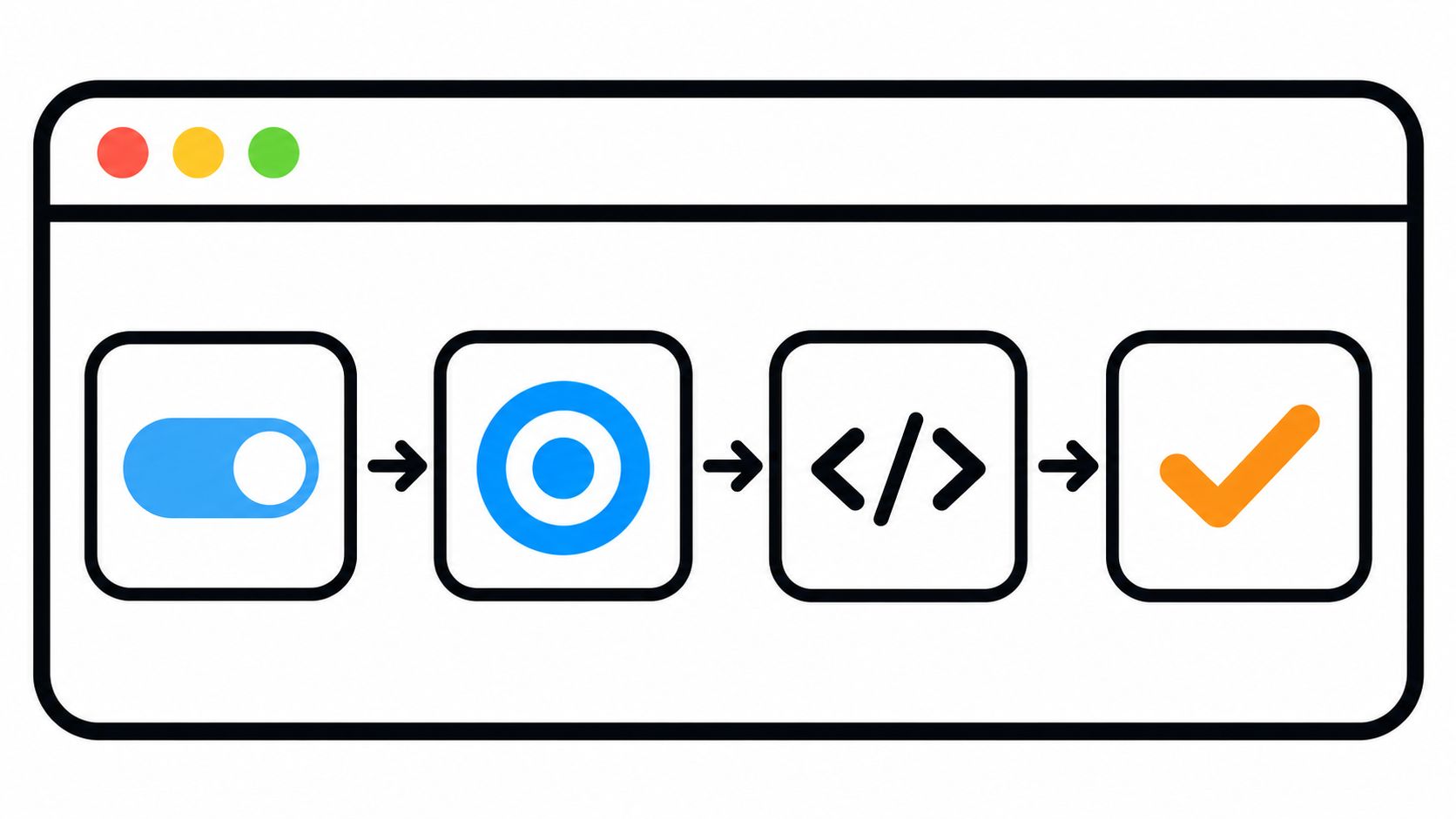
If your business is a single trade rather than a mixed service list, how roofers measure genuine ad enquiries walks through the same chain with quote requests and booked jobs as the two outcomes that matter.
What ready looks like
Three signs tell you the setup is sound. The action shows a recording status in Google Ads. Your test appears in reporting once the delay has passed. And the values match the table you wrote, not the figures somebody remembered.
Tracking Phone Calls, Forms and CRM Sales
A Leeds trades firm running ads for boiler installations might take 40 enquiries in a month. Say 18 of those reach a survey and 9 become booked jobs. Those shares are illustrative, but the shape is typical for a local service business: the sale closes on a call, at a survey, or after an adviser follows up days later. If your tracking stops at "form submitted", you're measuring the first five minutes of a process that takes fourteen days.
Google's enhanced conversions for leads closes part of that gap. The website captures consented first-party identifiers, such as an email address or telephone number, hashes them using SHA-256, and uses them alongside imported offline outcomes to attribute later events back to the original ad interaction, as Google's enhanced conversions for leads documentation explains.
That gives you a chain to record stage by stage. Each stage needs its own event name and value, and only the stage representing real business value belongs in primary bidding.
Back at the trades firm, value each stage against your own numbers rather than industry assumptions. A quote request earns a token amount only if your quote-to-job rate justifies it, so pull that rate from your own records before assigning anything. A survey booked is worth a share of the average job value, weighted by how often surveys convert. A job won is worth the margin. Feed all three into reporting, feed the last two into bidding, and the system stops chasing volume for its own sake.
The monthly export that does most of the work
A full CRM integration is the tidy answer and not always a realistic one for a ten-person business. The cheaper route is a monthly export of outcomes with timestamps, values and a matched click identifier, uploaded as offline conversions. Ask whoever owns the CRM for these fields:
- Lead or transaction identifier, so re-imports don't double count.
- Google Click ID where it was captured, or email and phone as supplied.
- Conversion timestamp and stage name, matching your agreed definitions exactly.
- Value in GBP with the currency stated, plus the consent status held for that record.
Deduplication runs on the lead or transaction ID. A file imported twice, or a monthly overlap between date ranges, otherwise reports revenue that never existed. Reconcile imported conversions against CRM totals on the same reporting date and treat modelled values as a separate line from observed ones.
Phone calls deserve their own rules. Track calls from ad extensions and click-to-call buttons, and set a duration threshold long enough to exclude wrong numbers and hangups. Keep missed calls out of the primary set: they record enquiries nobody answered, and feeding them to bidding teaches the system to buy more of them. A lead generation chatbot adds one more route into the business and is easy to leave out of the chain, so give it its own event name and value if you run one.
The test of a good measurement chain is simple. Does the number in Google Ads look like the number in your sales records at month end?
Consent Settings That Keep Measurement Accurate
The common mistake is a cookie banner that blocks every tag until a visitor accepts everything. It looks careful. In practice it deletes most of the measurement a business needs, and the accounts that do it are the ones reporting eight conversions in a quarter.
Consent Mode changes how Google tags behave when a visitor hasn't agreed to advertising or analytics cookies. Without consent, the tags don't read or write cookies for that purpose; cookieless signals can still be sent, and Google Ads may use conversion modelling to estimate conversions that can't be observed directly. Correctly configured, the banner respects the choice and the account keeps a trustworthy aggregate picture.
For UK advertisers, Google identifies ad_user_data as a consent signal required for measurement use cases such as Enhanced Conversions and tag-based conversion tracking, according to the Consent Mode reference for advertisers. It sits apart from three other signals, and treating consent as one undifferentiated on/off switch is where most implementations fail.
ad_storage controls advertising-related cookie storage. ad_personalization governs personalised advertising and remarketing, so it affects who sees your display ads rather than how many conversions you count. analytics_storage controls analytics cookies, including those used to measure visit duration. Google also states that UK and EEA advertisers are recommended to maintain a strong consent framework when using Enhanced Conversions, which makes this an implementation requirement rather than a box-ticking exercise.
Here's the order to check yours in.
- List every consent category your banner offers. Most platforms default to two or three, and the labels rarely match Google's signals.
- Map each category to the signals it should pass. Write the mapping down. If your platform can't pass ad_user_data separately from ad_storage, that's a configuration problem to fix before you touch bidding.
- Test twice. Once accepting all, once declining all, watching the tags fire in preview mode each time. A banner that fails on decline is worse than no banner.
- Check that modelled figures are labelled separately in reporting, so nobody compares a modelled month against an observed one and draws a conclusion about performance.
What correct looks like is unglamorous. The visitor's choice holds, the tags behave as documented, and the reporting still shows enough to make a budget decision with confidence.
Testing Tracking and Fixing Common Problems
Testing isn't a one-off. Do it after every site change, theme update or new form, because those are the moments tracking breaks.
The routine takes fifteen minutes. Submit a test enquiry through the live form with an address you control. Call the tracked number and stay on the line past your duration threshold. Complete a test booking if you take them. Then wait for the reporting delay and confirm each appears against the correct action, and that the matching CRM record carries the same timestamp and value. A phone-number click is not a completed call, and a form-button click is not a successful enquiry, so verify the outcome rather than the interaction.
Deduplication is the other half. A page reload after submission, a second tab, or two tags installed by two different people all inflate the count. Firing once on a thank-you page and deduplicating on a lead identifier handles most of it.
| Symptom | Likely cause | Fix |
|---|---|---|
| No conversions after a test submission | Tag or event not firing on the thank-you page | Check tag status and trigger, then test in preview mode |
| Duplicate conversions | Same event fired on page load and on submission, or two tags installed | Remove the duplicate tag and deduplicate using a lead or transaction ID |
| Phone calls missing | Call tracking number not set up on the site, or duration threshold too high | Confirm call tracking setup and review the call duration threshold |
| Google Ads counts far above CRM totals | Spam, existing customers or repeat form fills counted as conversions | Import only qualified stages and reconcile against CRM monthly |
| No uplift from Enhanced Conversions | Feature still in its training period | Allow up to 30 days before judging impact |
| Modelled values in reports | Visitors declined consent, so some conversions are modelled | Read modelled values separately and review consent settings |
The waiting rule catches out experienced buyers as often as beginners. Google's guidance on Enhanced Conversions results states the feature can take up to 30 days to train before impact becomes visible in reporting, that ordinary conversion tracking keeps working during that period, and that enhanced-conversion data is added once training completes.
Decision rule: verify tags, consent signals and customer-data fields first. Compare results after the training period. Only then change budgets or bidding strategy.
Switching to maximise conversions on day three because nothing moved tells you nothing about the implementation and resets the learning you just paid for.
Confirm Your Tracking Before You Scale Spend
A practical handover failure looks like this: the tag records a form fill, the CRM logs the same enquiry without a source value, and call tracking attributes the phone call to a different campaign. Nothing looks broken in one tool. The sales pipeline still ends up with three versions of the same lead, and bidding decisions get made against incomplete revenue data.
Before increasing budgets or changing bidding, check the links between those systems. The tag, CRM, call tracking and consent platform may be owned by different people, and each handover needs a clear owner. A name on its own is enough. What matters is that someone can trace a qualified enquiry back to the ad, campaign and value used in Google Ads.
Google Ranker Pro is an independent UK digital marketing agency specialising in SEO, AI SEO, Google Ads and Local SEO, and is not affiliated with or endorsed by Google. Conversion tracking and a strategy call are included in its Growth SEO plan. If you want help reviewing the measurement chain before the next budget increase, you can request a free SEO audit or discuss your requirements.
Use this short pre-scale check:
- Confirm the value rule. Each primary action should have one agreed value, and each person maintaining it should know when that value changes.
- Reconcile Google Ads against sales records. Compare imports with qualified CRM outcomes, not raw form submissions or call counts.
- Delay the bidding decision. Keep the current setup through the Enhanced Conversions training period, then judge the reporting before changing budgets or strategy.
This keeps the focus on commercial evidence. If the account shows cheap conversions that the sales team cannot recognise, the tracking chain needs attention before more spend goes through it.